
Your account Last updated: 2026-10-16
This page is for anyone with an edifabric.com account. It covers signing up for the free Community plan, finding and installing your serial key, checking your usage, and managing billing.
How do I evaluate the products for free?
To evaluate ediFabric .NET, ediFabric Native, or ediFabric Cloud, sign up free for the Community plan on edifabric.com. You get a single serial key that works for all products. To try them before you sign up, use the demo serial key bd96a836feca45cb91c86ee65d281f52. It works for ediFabric .NET, Native, and Cloud without an account, and has a limited quota. The first 14 days after you subscribe have unlimited operations, then the quota is 250 a day. To extend the unlimited period, ask through the support portal or at support@edifabric.com.
-
Go to edifabric.com and click Sign up free in the top-right corner.

- Create an account with your email address and a password. Check your spam or junk folder, or your firewall rules, if you still haven't received the verification email within 15 minutes.
-
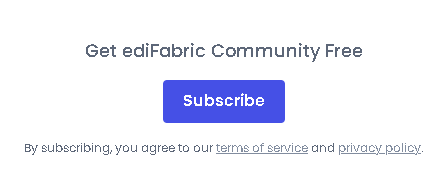
After you sign up, you are taken to your account page. Under Get ediFabric Community Free, click Subscribe.
-
Your Community serial key appears under Your Subscriptions. Copy it with the copy icon, or select and copy the key yourself.

How do I get my serial key?
If you already purchased a plan, sign in with the email from your order. Your serial keys are on the same account page.
-
Go to edifabric.com and click Sign in in the top-right corner. If you do not have a login yet, create one with the email address from your purchase.
- Your username is the email address you used during the purchase. If this is your first time, create a password for that email. Check your spam or junk folder, or your firewall rules, if you still haven't received the verification email within 15 minutes.
-
After you sign in, you are taken to your account page. Your serial keys are listed under Your Subscriptions.
- Copy the serial key for the subscription you need. Use the copy icon next to the key, or select and copy the key yourself.
Note
All account information — serial keys, usage reports, and billing — is on your account page. After you sign in, you can open it anytime from the Account link in the top-right corner.
How do I install my serial key?
Copy your serial key from the account page and use it across all products.
- ediFabric .NET
To learn how serial key authentication works, see .NET Licensing.
To install your serial key, see .NET Install.
To upgrade from the community plan, see Replace the community plan serial key with your full one.
- ediFabric Native
Follow the licensing steps in Native Licensing.
- ediFabric Cloud
To use the key with the ediFabric Cloud API, set it as an HTTP header parameter:
Ocp-Apim-Subscription-Key = {Your API key}

Copy the key from your account page.
- EdiNation
The free key is preconfigured, so EdiNation works as soon as you open it. To use your serial key with custom models, click the key button. More information is in How to create and import EDI specs.
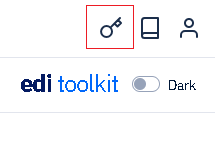
Then paste your serial key and save it for future use with the portal.
How do I monitor my usage?
On your account page, under Your Usage, choose a subscription, a start date, and an end date, then click Get usage report.
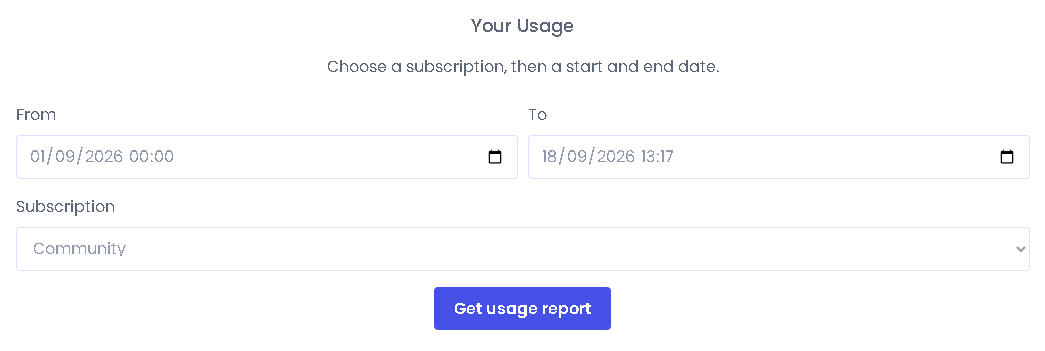
We also recommend that you implement internal counters for every call to ediFabric Cloud and frequently verify that they match the numbers we report, to avoid incurring overage charges.
The following operations are counted towards the billable quota for each plan:
- All Read, Write, Ack, Analyze, or Validate operations, across all EDI standards
- Upload custom models
Note
Token and authentication operations count toward the quota on the Community plan only.
How do I update my billing method?
On your account page, select Manage Billing under Billing and invoices. Wait for the billing portal to load, then manage your subscription.
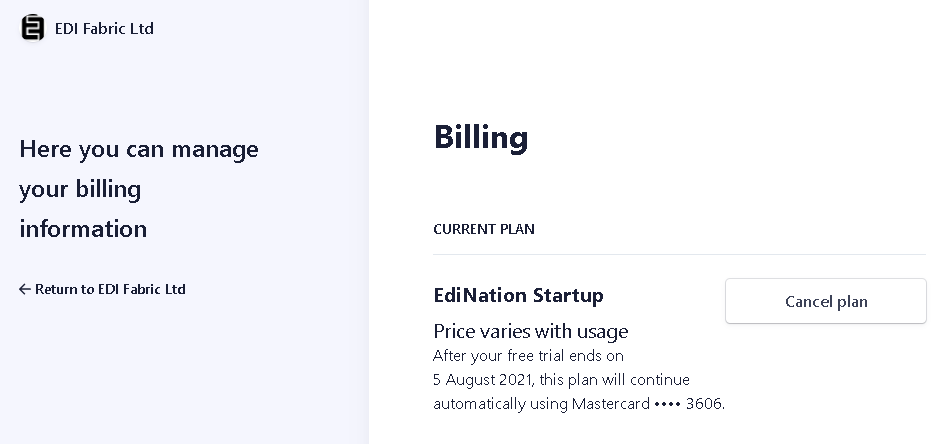
In the billing portal you can change your payment method or download previous invoices.
If you cannot open the billing portal from your account page, email support@edifabric.com or go directly to the Stripe customer portal.
How do I cancel my subscription?
To cancel your subscription, sign in to your account page and select Manage Billing. Then click Cancel plan.
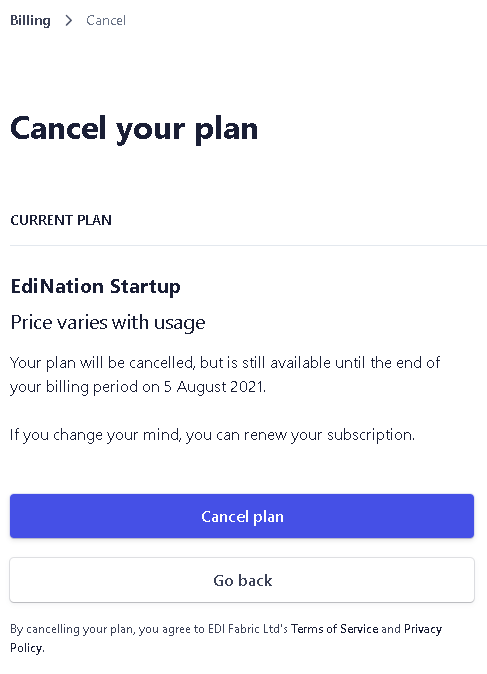
Your edifabric.com login stays active after you cancel, so you can still sign in to your account. Canceling removes usage history for previous periods.